Extension Popup
The Extension Popup brings together the most common actions in a single click on the extension icon in your browser toolbar.
Opening the popup
Click the Odoo Toolbox icon in your browser toolbar. The popup opens immediately.
If the icon is not visible, it may be hidden in your browser's extension menu. Pin it for quick access.
Debug mode
The popup displays the current debug mode status and lets you toggle it easily. Debug mode is automatically enabled on Odoo pages when it is activated in the extension.
- 1 click: toggles debug mode on/off
- 2 clicks: enables assets debug mode (equivalent to
?debug=assets) - 3 clicks: enables assets and tests mode (equivalent to
?debug=assets,tests)
Extension theme
Choose the appearance of the Odoo Toolbox interface (DevTools panel, Technical Sidebar, popup, options):
- Light: light theme
- Dark: dark theme
Technical Sidebar
Enable or disable the Technical Sidebar directly from the popup, without having to open the settings.
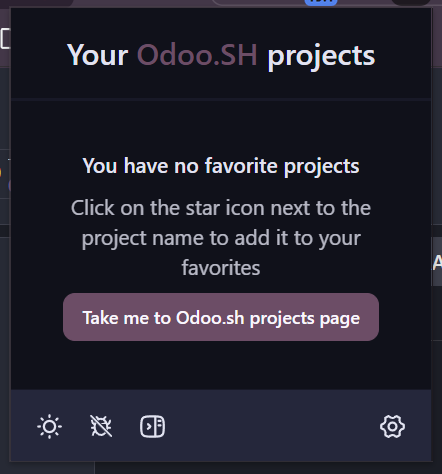
Odoo.SH Favorites
The popup displays the list of your favorite Odoo.SH projects for quick access. Click a favorite to open the corresponding project on Odoo.SH directly.
This feature is available on all pages, even outside of Odoo.SH.
Adding and removing favorites is done directly from the Odoo.SH interface. Renaming and reordering are done via the extension options.
For more information, see the Favorite Projects and Options sections.