Options
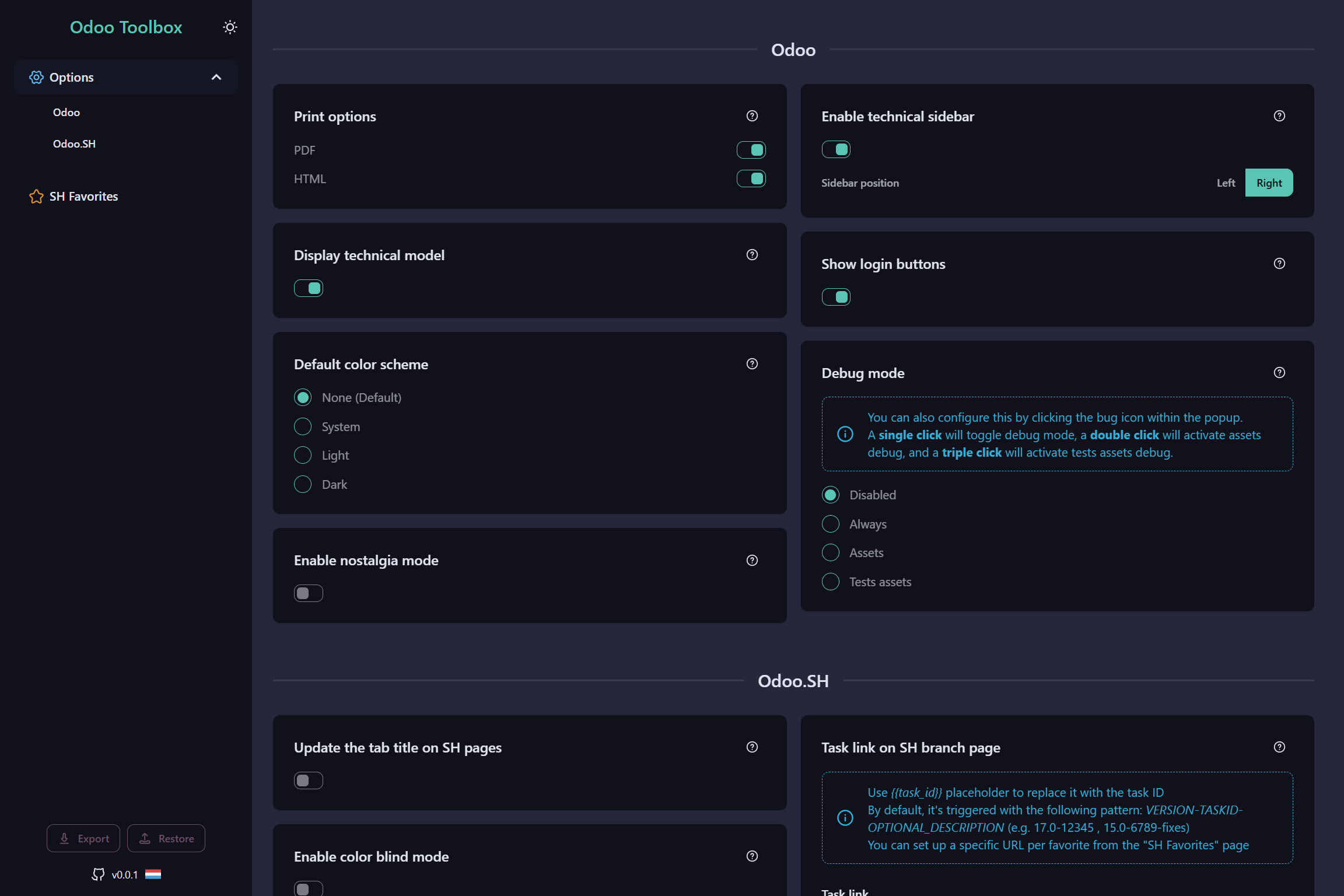
The Options page centralizes all settings for Odoo Toolbox. To open it:
- Right-click the Odoo Toolbox icon in your browser toolbar and select Options.
- Or open the Extension Popup and click the Options link at the bottom.
Most Odoo Toolbox features can be enabled, disabled, or configured from this page.
tip
Don't hesitate to explore it - it's the best way to make the extension your own and tailor it to your workflow.
Configuration export / import
The Options page also lets you export and import your entire configuration. Useful for backing up your settings or transferring them to another browser or machine.